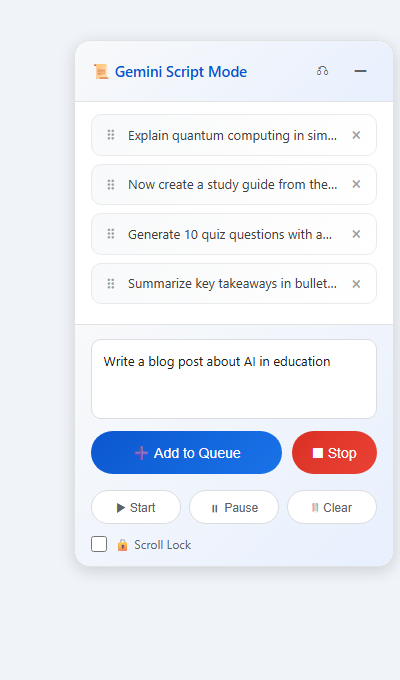
Queue dozens of prompts and let them run automatically, one after another. Walk away. Come back to finished work. It's that simple.
This is the core of the extension. Instead of typing one prompt, waiting for Gemini to finish, then typing the next — you queue up as many prompts as you want and let the extension send them one by one automatically.
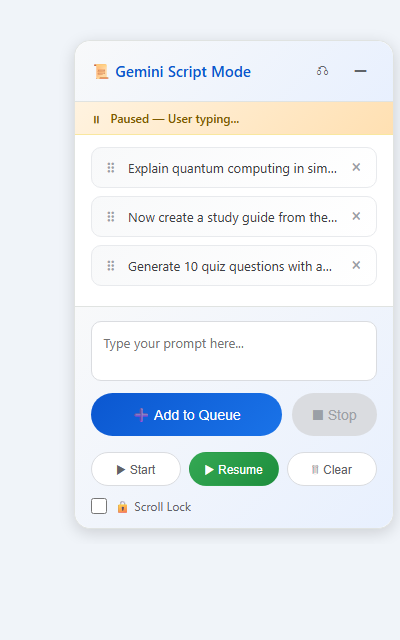
What happens if you start typing in Gemini while the queue is running? The extension automatically pauses.
You can toggle this on/off in the popup settings.
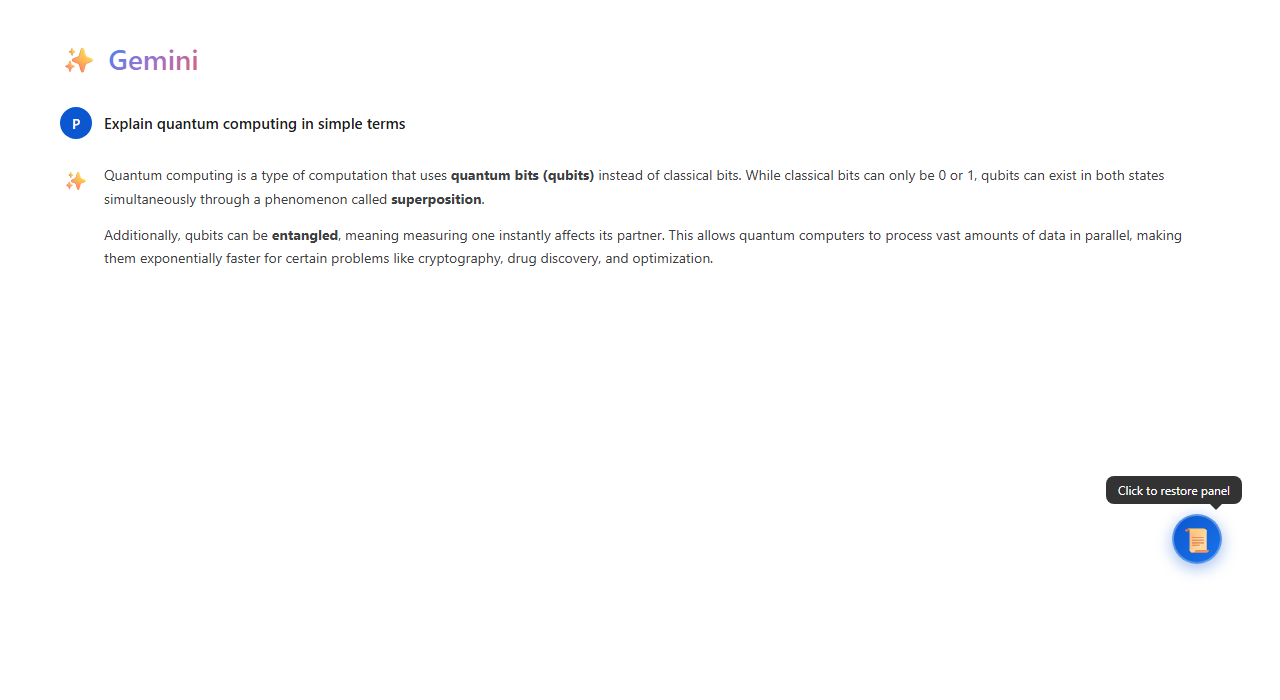
Don't need the panel right now? Click the ─ minimize button in the header.
Gemini auto-scrolls to the bottom every time it generates a new line. This is incredibly annoying when you're trying to read the response from the top.
This feature alone makes the extension worth installing. Every Gemini user has been annoyed by this.
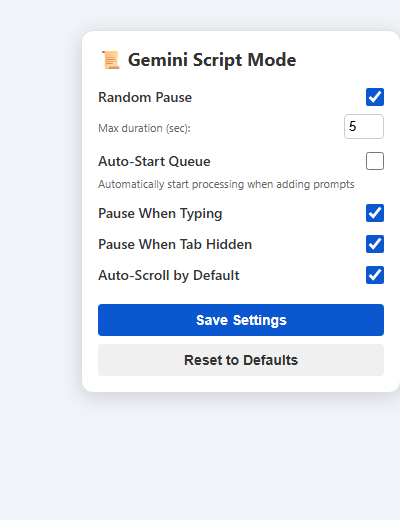
Click the extension icon in Chrome's toolbar to open the settings popup. Every safety feature can be toggled:
Open Gemini in 5 different tabs? Each tab gets its own independent Script Mode instance.
See the ⠿ drag handle on each queue item? Grab it and drag to reorder.
No store listing needed. Just download, unzip, and load. Four simple steps.
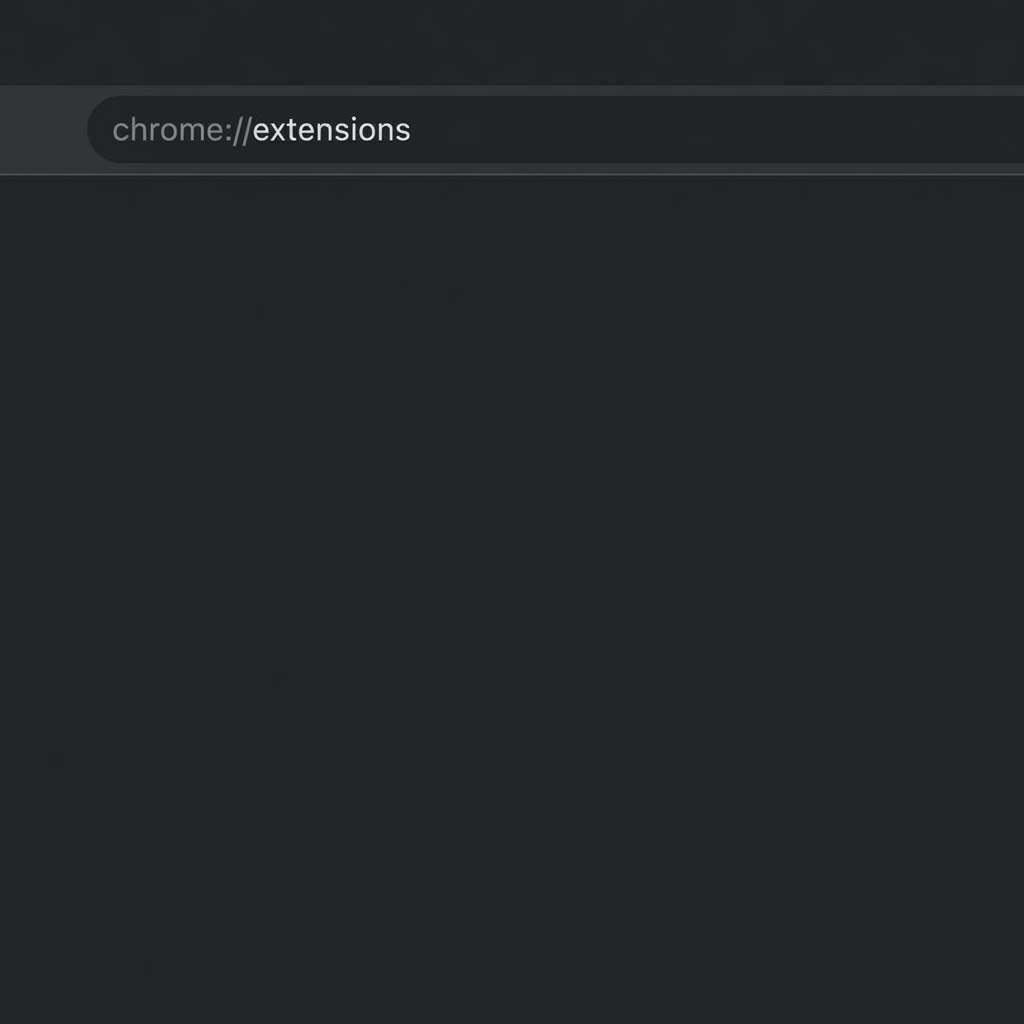
Type chrome://extensions in your address bar and press Enter.
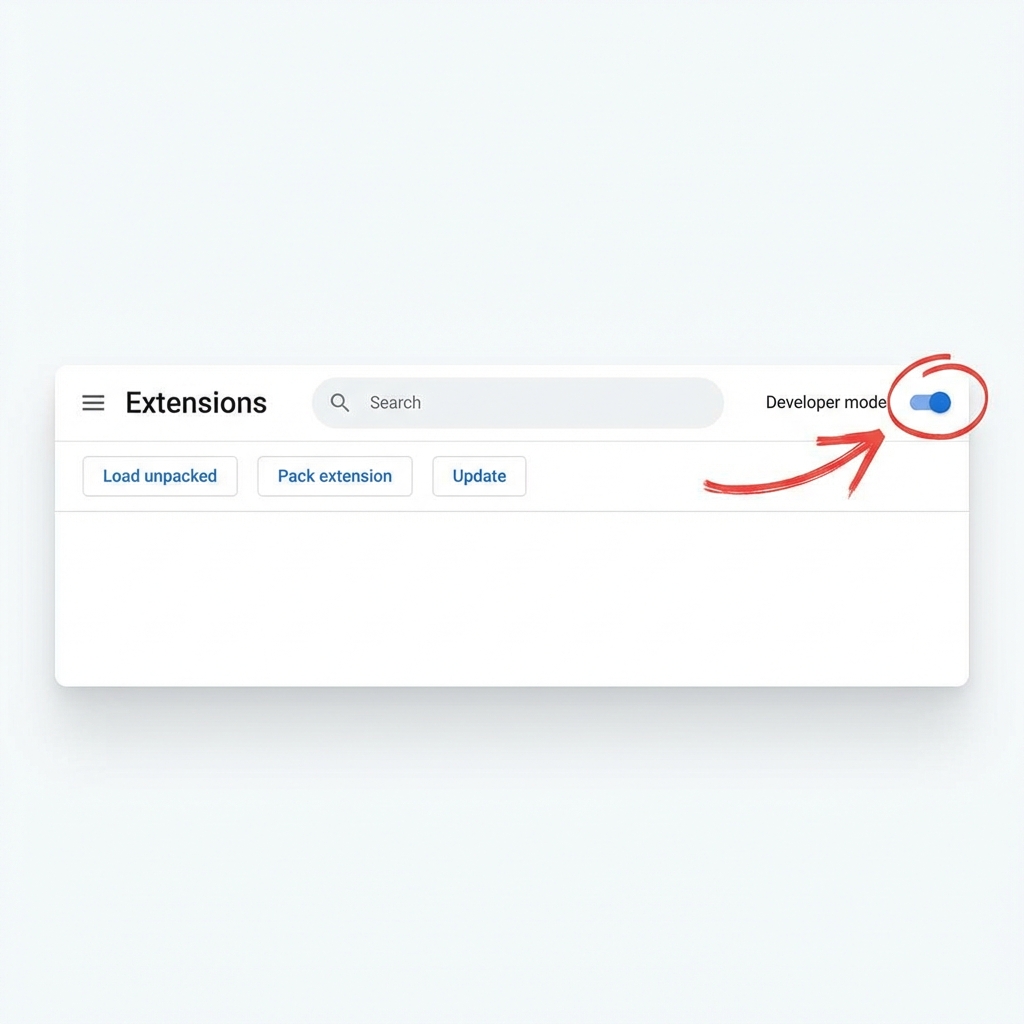
Find the "Developer mode" toggle in the top-right corner and turn it ON. This reveals the "Load unpacked" button.
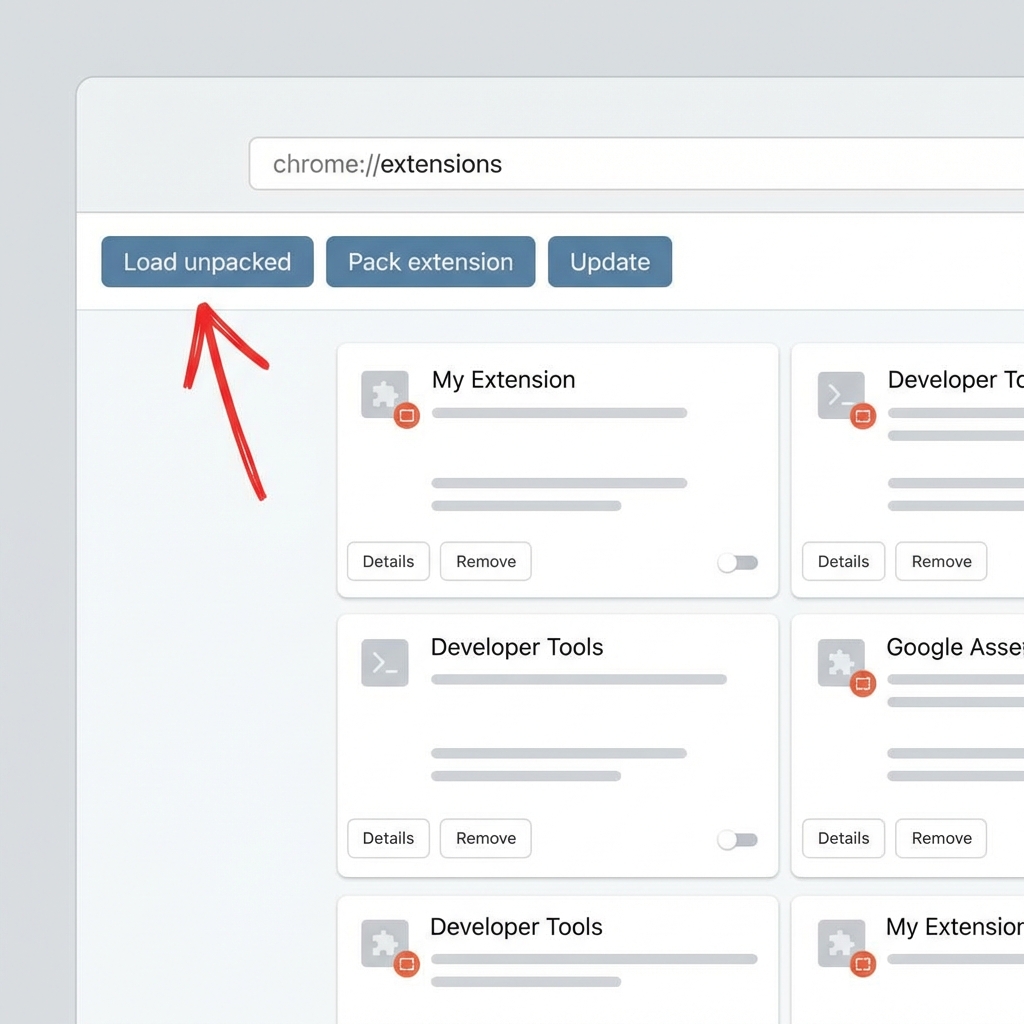
Click the "Load unpacked" button that appeared in the top-left after enabling Developer Mode.
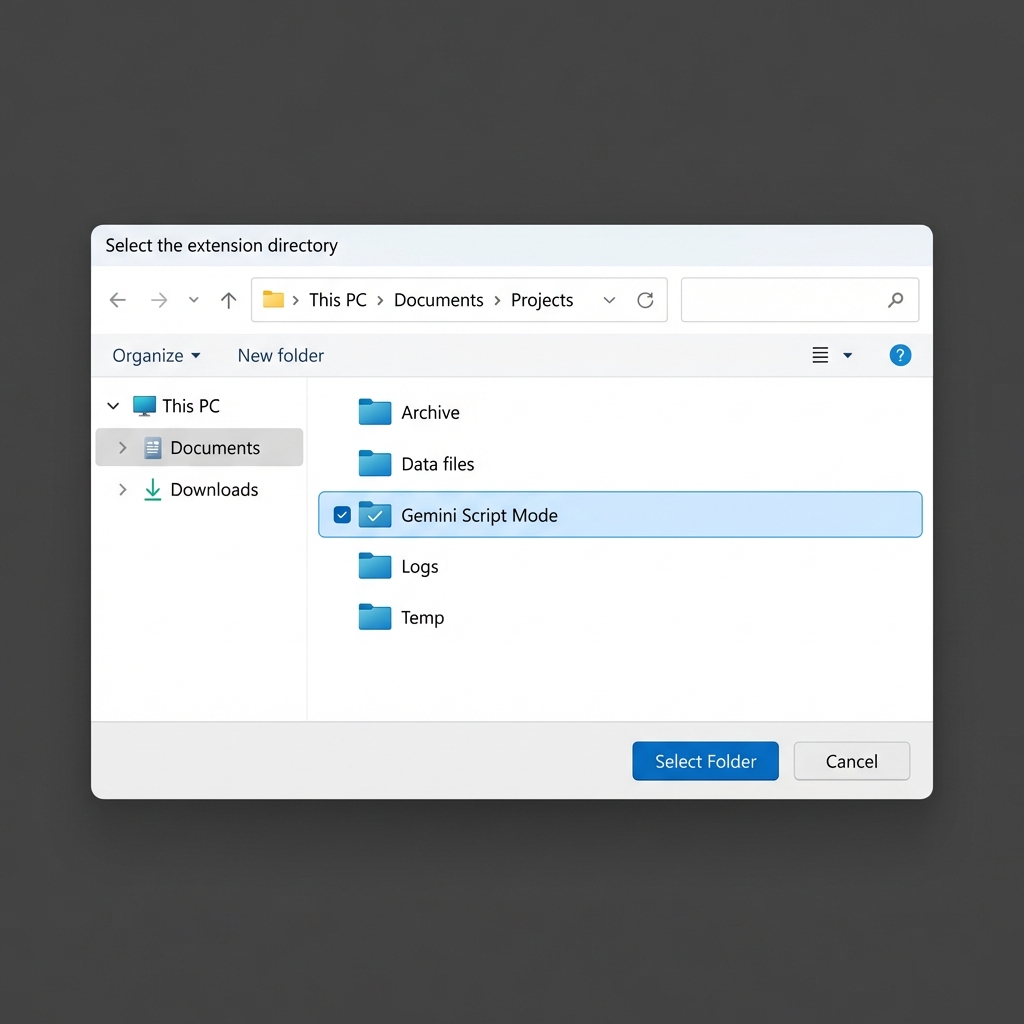
Navigate to where you unzipped the extension, select the "Script Mode for Gemini" folder, and click "Select Folder". Done!
✅ That's it! Now open gemini.google.com and the Script Mode panel will appear automatically.
Download the extension, install in 60 seconds, and start queuing prompts. Upgrade later if you want unlimited power.